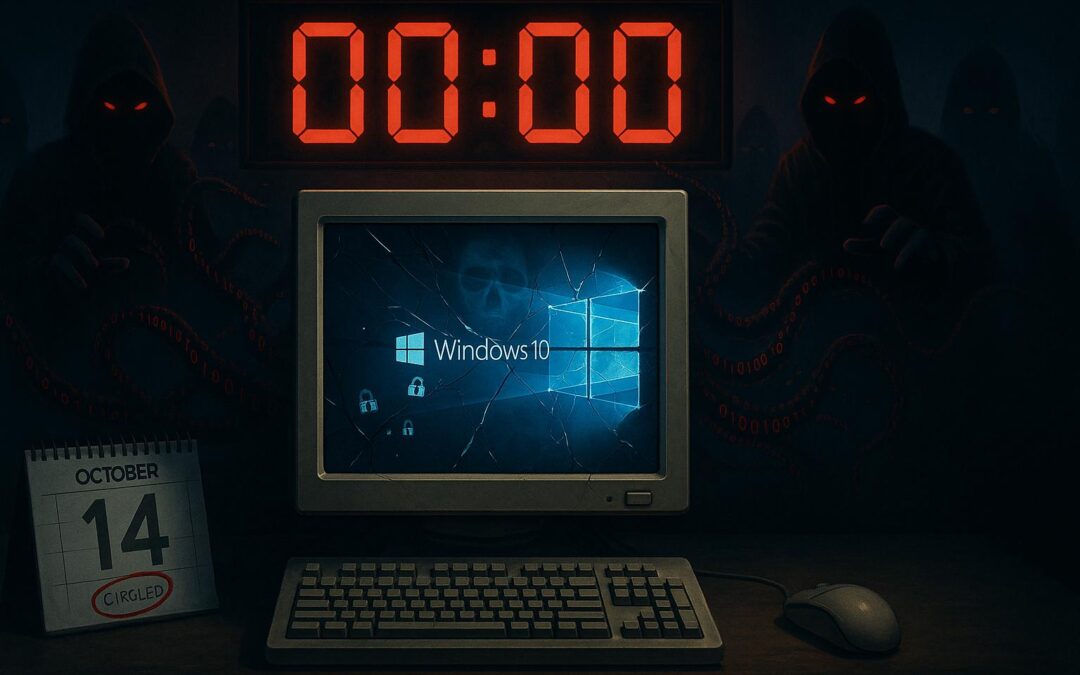
💀 Microsoft’s October Surprise: 200 Million Windows 10 PCs Become Sitting Ducks
The Windows 10 End of Life Countdown Has Begun
Folks, if you’re still running Windows 10 this week, you might as well hang a “Welcome Hackers” sign on your digital front door. Microsoft just dropped a bombshell that’s about to turn 200 million PCs into the tech equivalent of unlocked cars in a bad neighborhood. The Windows 10 end-of-life deadline hits October 14, 2025 – that’s literally today – and if you haven’t backed up your data yet, you’re playing Russian roulette with your business. This isn’t just another tech update; it’s a ticking time bomb that could cost you years of work, customer trust, and cold, hard cash.
Quick Navigation
💀 The Great Windows 10 Extinction Event
Remember when the dinosaurs went extinct? Well, Windows 10 end of life is about to join them, and unlike those prehistoric creatures, this extinction is completely preventable. Microsoft announced they’re pulling the plug on security updates for Windows 10, leaving over 200 million PCs worldwide vulnerable to every hoser with a keyboard and bad intentions.
Here’s the kicker: Microsoft knew this day was coming for years, yet they waited until the last minute to really push the panic button. It’s like watching the captain of the Titanic spot the iceberg and deciding to finish his dinner first. The official Windows 10 end of life date means no more security patches, no more bug fixes, and definitely no more protection against the latest cyber threats.
⚠️ Small Business Alert: According to recent statistics from Cybersecurity Ventures, ransomware damages are predicted to reach $265 billion by 2031, and unpatched systems are the number one entry point. (source)
For small businesses, this is particularly brutal. You know that ancient PC in the back office running your inventory system? Or that laptop your accountant uses that “works just fine”? They’re about to become ground zero for ransomware attacks.
#Windows10EndOfLife #CyberSecurity #SmallBusinessSecurity
💾 Your Data Is One Click Away from Disaster
Microsoft’s official advice? “Back up your data now.” But here’s what they’re not telling you loudly enough: even if you try to upgrade, there’s a decent chance something could go wrong, and boom – years of customer records, financial data, and that novel you’ve been writing on lunch breaks could vanish faster than disco in the ’80s.
🚨 Real-World Horror Story: Just last month, a dental office in New Jersey lost seven years of patient records because they thought, “Hey, what could go wrong with a simple upgrade?” Everything. Everything could go wrong. The upgrade failed, their backup was corrupted (turns out they hadn’t tested it since 2022), and now they’re facing lawsuits that make a root canal look pleasant.
Your Data Survival Checklist:
- Back up to an external drive – not just another folder on the same computer
- Use cloud storage – but encrypt sensitive stuff first
- Test your backups – if you can’t restore it, it’s not a backup
- Document your software licenses – you’ll need them if things go sideways
- Export your browser bookmarks and passwords – use 1Password for this
The “Assume Human Error” framework I always talk about? This is exactly when you need it. Assume something will break. Assume you’ll click the wrong button. Assume Murphy’s Law is watching and laughing. Because when Windows 10 end of life support ends, every unpatched vulnerability becomes a welcome mat for ransomware.
#DataBackup #RansomwarePrevention #BusinessContinuity
🧰 The 200 Million PC Problem Nobody’s Talking About
Here’s where things get really interesting – and by interesting, I mean infuriating. Those 200 million PCs that can’t upgrade to Windows 11? It’s not because users are lazy or cheap. Microsoft deliberately set hardware requirements that exclude perfectly functional computers. We’re talking about machines with TPM 1.2 instead of 2.0, or processors that are one generation too old.
Microsoft’s solution? “Just recycle your old PC and buy a new one!” 🙄
Right, because nothing says “environmental responsibility” like throwing away 200 million computers that work perfectly fine. It’s like Ford telling you to junk your car because they decided only cars with heated steering wheels deserve oil changes.
Before You Recycle That PC:
- Wipe the drive properly using DBAN (Darik’s Boot and Nuke)
- Remove the hard drive physically if it contains sensitive data
- Consider Linux – Ubuntu or Mint can breathe new life into that “obsolete” hardware
- Use it as a dedicated machine for non-internet tasks
💡 Success Story: I had a client last week, a small accounting firm, with 12 PCs that couldn’t upgrade. Instead of dropping $15,000 on new machines, we secured them with OpenDNS, locked down the firewall, and moved critical operations to their newer systems. Cost? About $500 and a weekend of work.
#PlannedObsolescence #SustainableTech #HardwareSecurity
🧠 Welcome to Your New AI Overlord: Copilot
Now, Microsoft wants you to buy their shiny new “Copilot-ready PCs.” Sounds helpful, right? Like having a friendly robot assistant. But let me translate that marketing speak: it’s an AI that watches everything you do, learns your patterns, and phones home to Microsoft with enough data to make Facebook jealous.
You’re not upgrading to safety; you’re upgrading to surveillance.
These new systems come with AI integration that’s deeper than bell-bottoms in 1975. Every document you create, every email you send, every spreadsheet you edit – Copilot’s watching, learning, and potentially oversharing.
🔍 Privacy Breach Alert: A marketing firm in Boston recently discovered their Copilot-enabled laptops were sending client strategy documents to Microsoft’s servers for “improvement analysis.” The kicker? Their competitors mysteriously started using similar strategies three months later. Coincidence? You tell me.
If You Must Upgrade to a Copilot PC:
- Turn off telemetry in Windows settings
- Disable Copilot for sensitive work
- Use local accounts instead of Microsoft accounts when possible
- Review privacy settings monthly – they change them like TV channels in the ’80s
#AIPrivacy #CopilotSecurity #DataSovereignty
🔐 October 14: Christmas Morning for Hackers
Mark your calendars, folks – October 14, 2025, is about to become the Black Friday of cybercrime. Once Windows 10 end of life support officially ends, every hoser with an exploit kit will be targeting those 200 million unpatched PCs like it’s open season.
Think about it: hackers already know exactly which vulnerabilities exist in Windows 10. They’ve been cataloging them, waiting for this exact moment when Microsoft stops patching them. It’s like announcing you’re not locking your doors anymore and posting your vacation schedule on Facebook.
💸 Real Cost of Procrastination: A plumbing company in Newark got hit last week, and they were still on Windows 10. The ransomware demand? $50,000. Their actual loss after downtime, data recovery, and customer refunds? $180,000. All because they thought they had “a few more months” to upgrade.
Your Emergency Action Plan:
- Enable Windows Defender immediately (it’s free and decent)
- Set up duo.com for multi-factor authentication (way better than SMS)
- Install OpenDNS or Cisco Umbrella to block malicious sites
- Update everything else – browsers, Adobe, Office, everything
- Train your team – one wrong click could cost you everything
#EndpointSecurity #ZeroDayExploits #CyberDefense
🧩 The Trust Issue Nobody Wants to Address
Here’s what really grinds my gears: Microsoft created this problem, and now they’re selling you the solution. They could extend Windows 10 end of life support – they’ve done it before with Windows 7. They could lower Windows 11’s requirements. But instead, they’re choosing profits over people.
⚠️ Data Security Warning: Before you recycle that PC, remember: your data doesn’t care about Microsoft’s quarterly earnings. A recycling center employee with a USB drive and five minutes could potentially access everything you thought you deleted. I’ve seen tax returns, medical records, and business plans pulled from “recycled” computers.
📋 Your Three-Step Survival Plan
This Weekend
- Back up everything to an external drive AND cloud storage
- Run Windows Update one last time
- Download and install Duo for two-factor authentication
Next Week
- Evaluate which PCs can upgrade to Windows 11
- Isolate Windows 10 machines from critical networks
- Implement OpenDNS on your router
This Month
- Create a hardware replacement budget
- Test all backups by actually restoring files
- Train employees on recognizing phishing attempts
Stay Ahead of the Next Tech Crisis
Want to protect your business from the next digital disaster? Sign up for my free weekly Insider Notes Newsletter where I break down these threats in plain English and give you actionable steps to protect your business.
The Bottom Line
Look, folks, this Windows 10 end of life situation is like Y2K, except this time the threat is real. The hosers are already sharpening their digital lockpicks, and your data is the prize. Don’t be the business that makes headlines for all the wrong reasons. Because in 2025, ignorance isn’t bliss – it’s bankruptcy.
#MicrosoftWindows #TechSecurity #DigitalTransformation #SMBSecurity #WindowsUpgrade #CyberResilience #Windows10EndOfLife